
QR Audio Guestbook vs. Rental Phone: How to Choose
Choose a QR audio guestbook when people need to record from more than one place and the venue has usable internet. Choose a recording handset when guests will be in one room and signal or phone access is uncertain. Try the actual spot where someone will stand or sit before committing.
Browse all event guides and printables
Choose an audio guestbook printable
Run the same test at the actual venue before booking or printing.
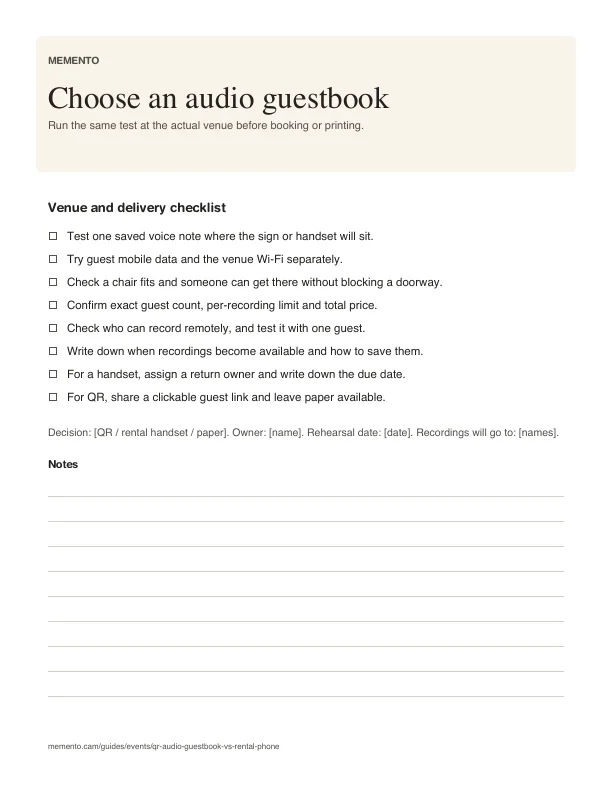
Venue and delivery checklist
- Test one saved voice note where the sign or handset will sit.
- Try guest mobile data and the venue Wi-Fi separately.
- Check a chair fits and someone can get there without blocking a doorway.
- Confirm exact guest count, per-recording limit and total price.
- Check who can record remotely, and test it with one guest.
- Write down when recordings become available and how to save them.
- For a handset, assign a return owner and write down the due date.
- For QR, share a clickable guest link and leave paper available.
Decision: [QR / rental handset / paper]. Owner: [name]. Rehearsal date: [date]. Recordings will go to: [names].
Compare the two recording paths
With a QR guestbook such as Memento Tape, guests open an invite in their phone browser, allow the microphone and save a message. Test both the QR and direct link on iPhone and Android. A rental recording handset such as After The Tone’s rotary phone plays a prompt when guests lift the handset and records without venue Wi-Fi, according to its product instructions.
If a group will gather around the handset, check that a chair and a clear route to the table fit the room. If you go with QR, print the direct way to get the link and offer paper at the same station. If internet comes and goes, do the first QR recording test with venue Wi-Fi off and the second on the available Wi-Fi.
Compare total cost for your actual guest list
For a QR service, check the guest cap, recording time per person, and access to the recordings in the current plan. Use Memento’s current homepage pricing for Film and Tape instead of adding their limits together. For rentals, ask what the quoted rate includes, who is responsible for shipping and returns, and how the recordings are delivered. If family can’t attend, ask whether remote submission is included before choosing a handset.
If a 70-person wedding has 10 guests who want to record remotely and the venue has reliable upload signal, rehearse a QR invitation with someone offsite. If a remote guest can’t open it, resolve the issue before printing 70 signs. If your reception is in a dead zone on every test, ask the rental vendor whether the exact handset records offline.
Assign the final handoff
For a rental, pick the person who will pack the handset, keep the box and send it back by the vendor’s deadline. For QR, pick the person who will check the first saved voice note, share the guest link, and download or review the recordings when they are ready. Let one person be responsible for hearing the first real recording from the host side.